MayPixels
Project #01 · Flagship Utility PlatformLive Across Web & App Stores

MayOnlineTools (MoT)

"Online by link. 100% Offline by design."

The all-in-one client-side utility workspace built by MayPixels. Combine standalone calculators, data converters, developer tools, an automated Tool Chain & Pipeline Builder, in-depth SysAdmin & DevOps engineering runbooks, and local in-browser WebGPU AI models — executing 100% on your own device with zero server uploads.

mayonlinetools.com
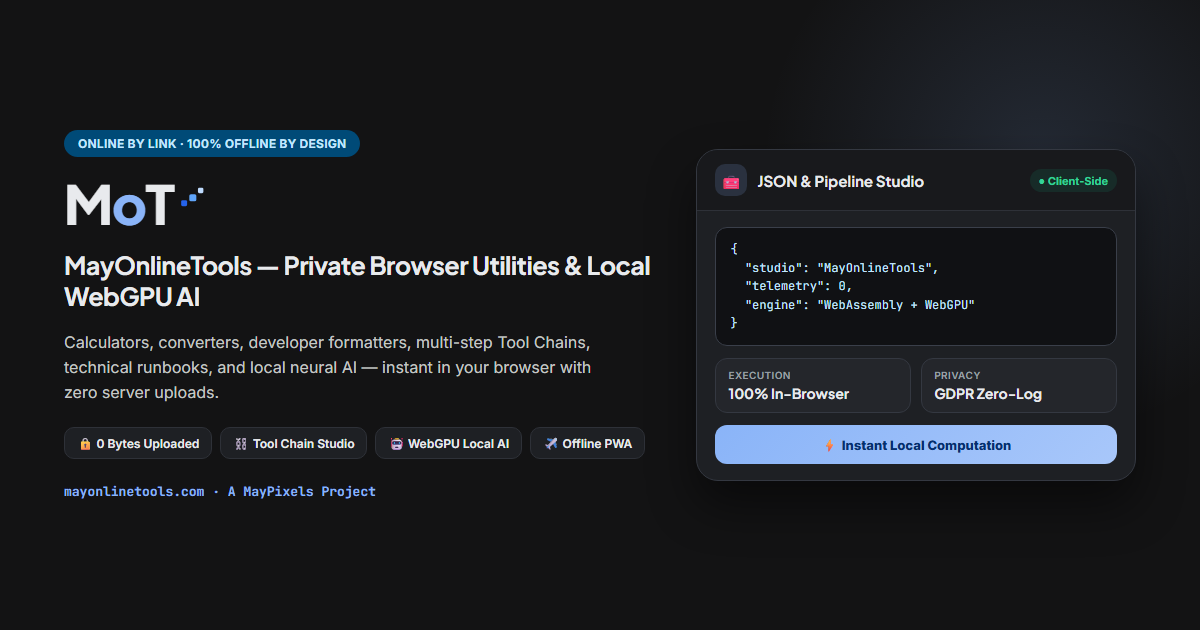
MayOnlineTools (MoT) — Client-Side Browser Utilities & Local WebGPU AI
100%
Client-Side Execution
0 Bytes
Uploaded to Servers
WebGPU
On-Device Neural Models
Offline
Installable PWA & Stores
Official Distributions

Get MayOnlineTools Across Every Platform

Run MayOnlineTools directly in any modern browser or install the signed native store packages for Windows, Android, and Fire OS.

Web & Offline PWA● Live

Browser & Desktop PWA

Instant access at mayonlinetools.com with full Service Worker offline caching for macOS, Windows, Linux, iOS, and Android.

Open Web App ↗
Windows Desktop● Live

Microsoft Store

Official Windows desktop package (9N1W1Q4P27W8) with start-menu shortcuts, file handlers, and native window controls.

Microsoft Store ↗
Android & Fire OS● Live

Amazon Appstore

Verified Android & Fire tablet release (ASIN B0HPYHJJ4G) with touch-optimized workspace navigation.

Amazon Appstore ↗
Android Native● Testing

Google Play Store

Signed Android package (com.mayonlinetools.twa). Join the Google Group (mot-testers) to opt in on Google Play.

Interface & Workspace

Unified Google 2026 Light & Carbon Workspace

Engineered with a distraction-free 4-layer Ice Slate (#edf2f7) and Charcoal Carbon (#131314) tonal hierarchy, segmented header navigation, full-width live search, lossless .json / CSV history backups, and smart mobile drawer auto-collapse.

Desktop & Widescreen WorkspaceWidescreen HD
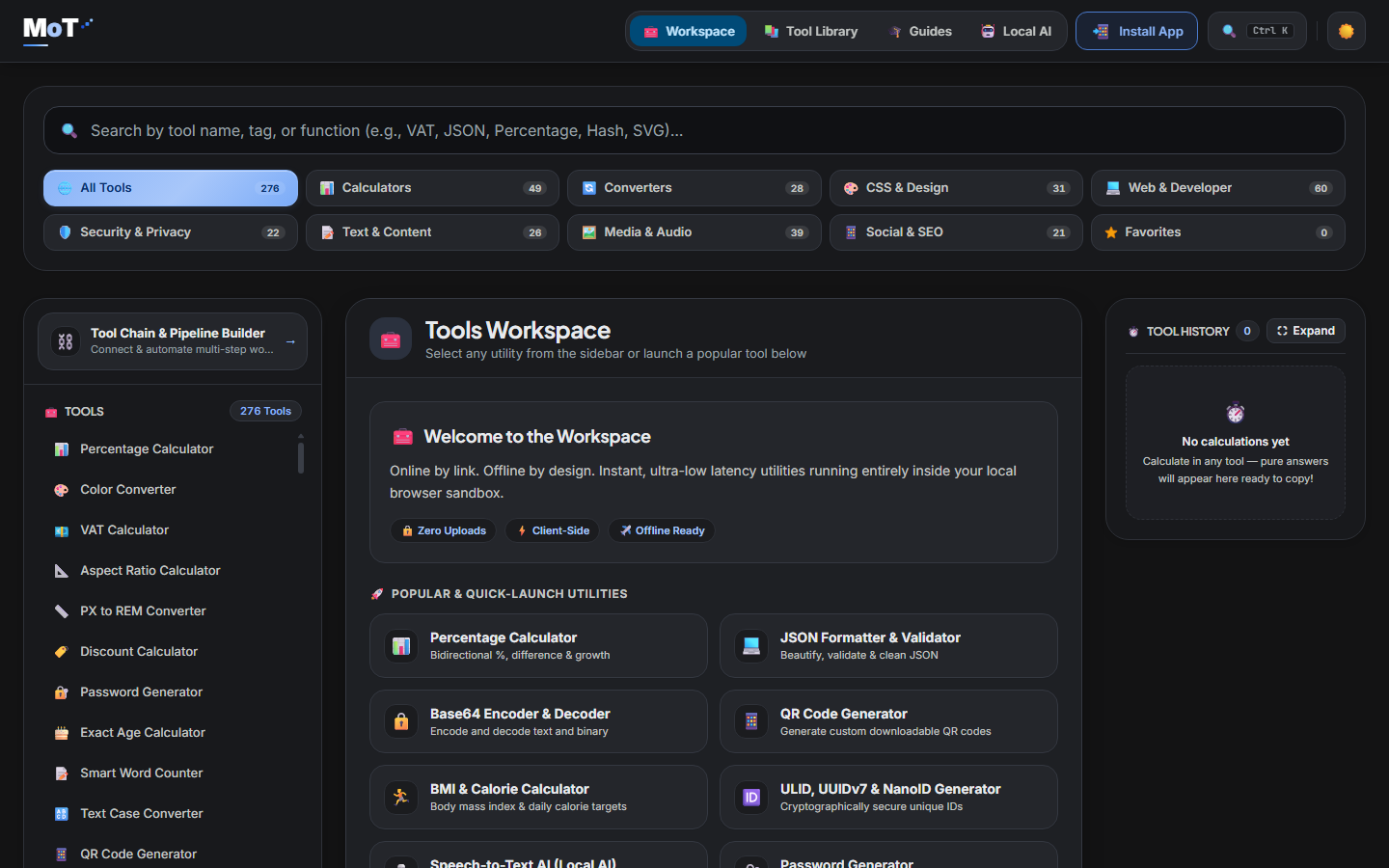
MayOnlineTools Desktop Workspace Preview
Mobile & PWA ViewResponsive Portrait
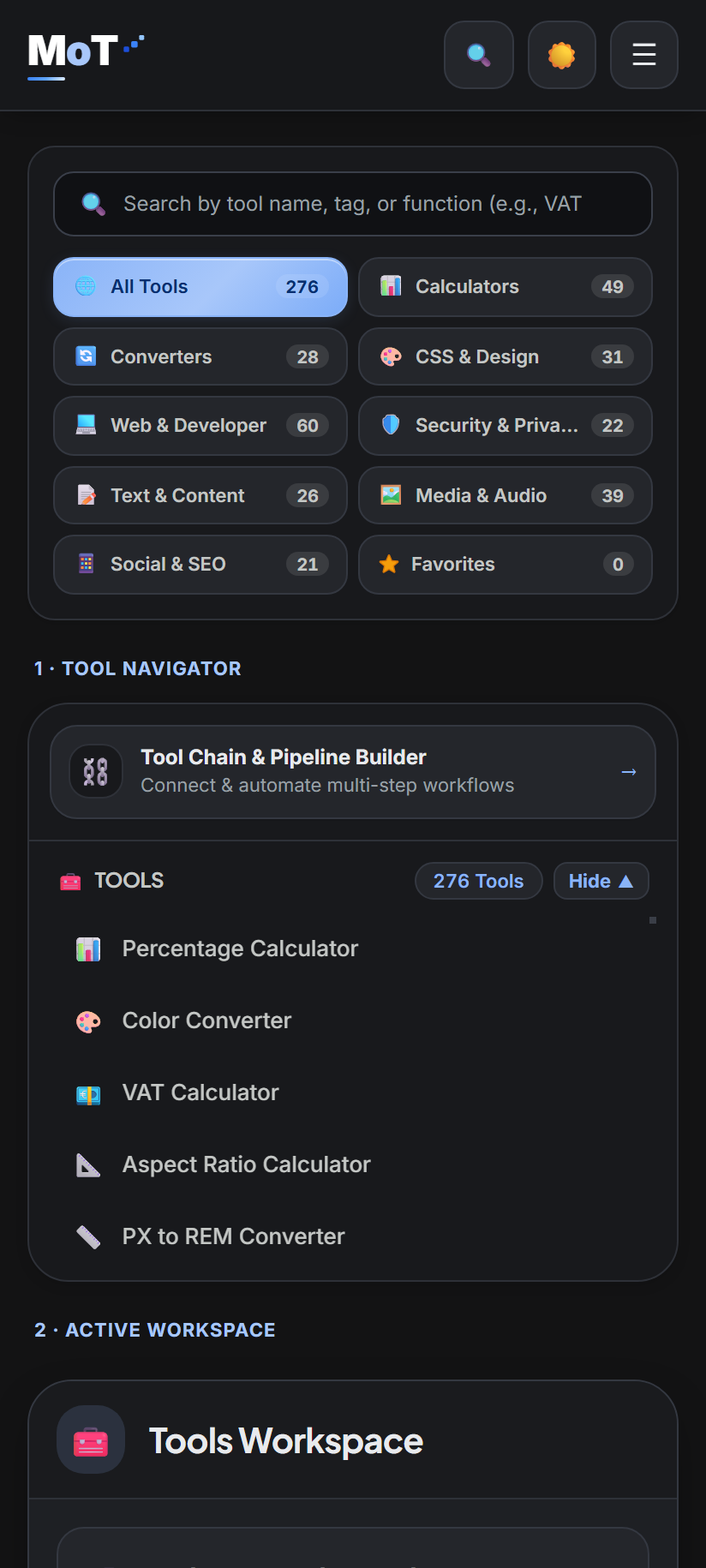
MayOnlineTools Mobile Workspace Preview
Platform Architecture

Four Pillars Inside MayOnlineTools

01 / Interactive Workspace & Tool Library

Client-Side Calculators, Converters & Developer Utilities

Every tool runs directly inside your browser tab using Web Workers, Web Crypto API, and HTML5 Canvas — covering JSON/YAML/XML/SQL formatting, Regex & JWT debugging, Nginx & CSP generators, PDF/SVG/Image conversion, and financial/scientific calculators with exportable local CSV & lossless .json workspace backups.

02 / Automated Pipelines

Multi-Step Tool Chain & Pipeline Builder

Chain multiple transformations sequentially (such as Base64 decode → JSON prettify → SHA-256 hash → URL encode) in a single click and share reproducible pipelines via ?chain= URLs without ever transmitting data payloads to a server.

03 / Local AI Studio

100% On-Device WebGPU & WASM Neural Models

Run quantized Hugging Face & ONNX models locally on your own GPU/CPU: Whisper Speech-to-Text, MODNet Background Remover, Qwen2.5 Local Chat & Coding Assistant, ViT-GPT2 Image Captioning, DistilBART Text Summarizer, DistilBERT Sentiment Analysis, and MarianMT Neural Machine Translation.

04 / Educational Hub

Technical Engineering Guides & SysAdmin Runbooks

Production-tested reference guides covering Linux kernel hardening, Docker & Kubernetes runbooks, Cryptography & Zero-Trust security checklists, and Windows OS tuning — directly cross-linked with the interactive tools.

Ready to use MayOnlineTools?

Free, private, and instant in your browser or via your preferred app store.

📲